
Apple Pokémon iPhone wallpapers: how to download them free
Apple's free Pokémon 30th anniversary iPhone wallpapers star Applin and the Kanto starters. Where to download them, how to set them, and the Japan gift card.
Checked and updated 17 November 2026 at 02:45 UTC
Key points
- Apple's Pokémon wallpapers are free for any iPhone owner at offers.applegiftcard.apple/pokemon: three iPhone designs plus one for iPhone Duo, all built around Applin.
- Save the image, then go to Settings > Wallpaper > Add New Wallpaper > Photos to set it on your Lock Screen and Home Screen.
- The rest of the celebration is Japan-only until November 30: an Applin Apple Gift Card, PokéStops at every Apple Store and Pokémon apps featured on the App Store.
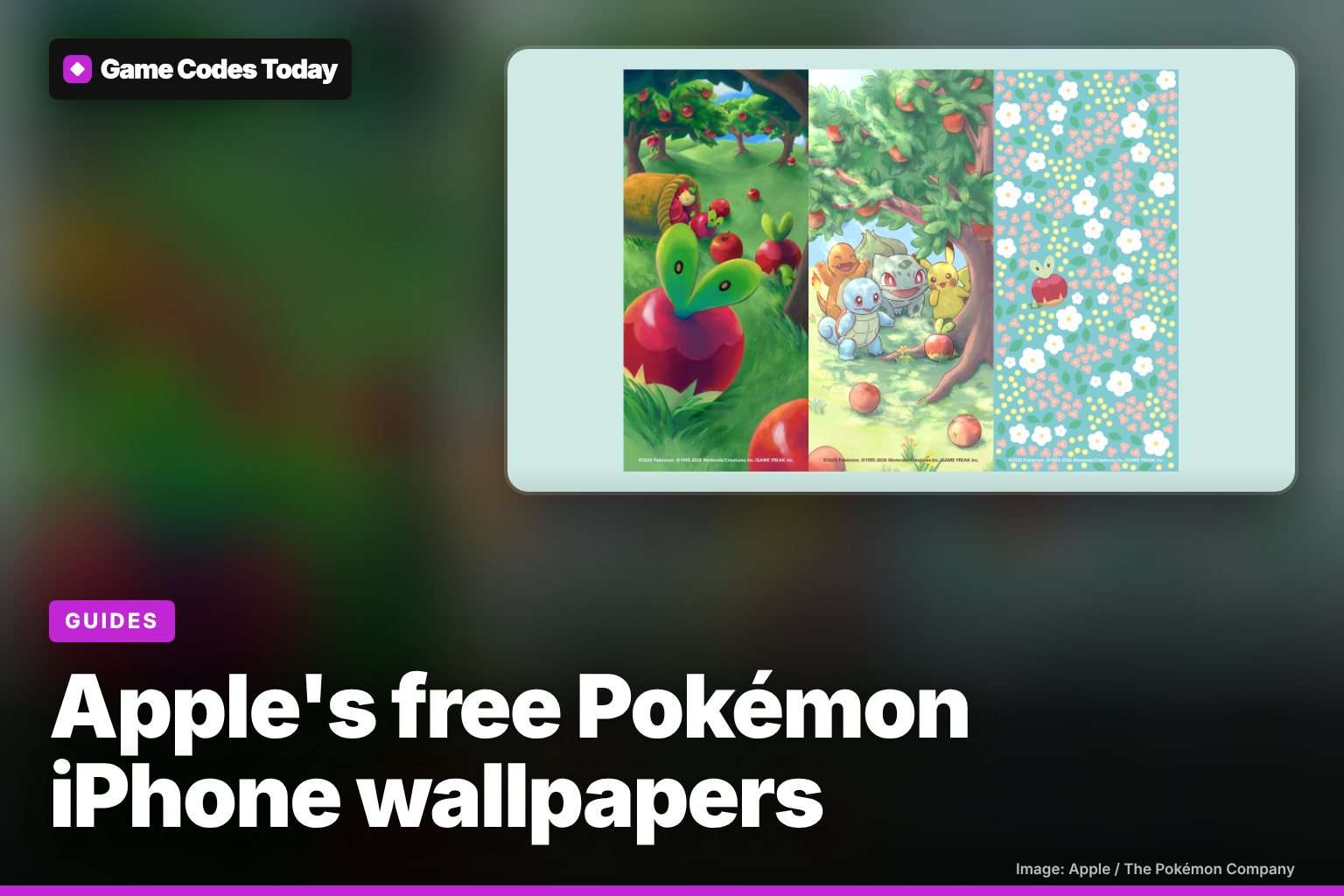
Apple's new Pokémon iPhone wallpapers are free, and you can download them from Apple's own page at offers.applegiftcard.apple/pokemon. There are three designs for iPhone and one for iPhone Duo, all made for Pokémon's 30th anniversary, and you don't need to be in Japan or buy anything to get them.
Apple announced the celebration on November 16. The wallpapers are the one part that works everywhere. The gift card, the PokéStops and the store displays are only in Japan.
The four wallpapers
Applin, the little Pokémon that lives inside an apple, is in every design. It's an easy pick for Apple, and it's also the star of the Apples to Applin event in Pokémon Pokopia running right now.
| Wallpaper | What's on it | Made for |
|---|---|---|
| Orchard | A painted apple orchard with a big Applin up front and more Applin and apples spilling out of a basket behind it | iPhone |
| Kanto friends | Pikachu, Bulbasaur, Charmander and Squirtle peeking out from under an apple tree, with fallen apples in the grass | iPhone |
| Flower pattern | A tiny Applin hidden in a mint-green pattern of white and pink flowers | iPhone |
| Flower pattern (wide) | The same flower pattern, sized for the wider screen | iPhone Duo |
Each one carries the small Pokémon, Nintendo, Creatures and Game Freak copyright line at the bottom, so it's the real artwork rather than a fan edit.
How to download and set them
- On your iPhone, open offers.applegiftcard.apple/pokemon in Safari. Most of the page is in Japanese, but each download button is labelled in English.
- Tap Download wallpaper for iPhone under the design you want. For the iPhone Duo version, use the separate link below the three iPhone designs (it's labelled "iPhone Duo 用はこちら").
- When the image opens, touch and hold it, then tap Save to Photos (or Add to Photos).
- Open Settings and tap Wallpaper, then Add New Wallpaper.
- Tap Photos and choose the Pokémon image. Pinch to move it so the Pokémon sit where you want them around the clock.
- Tap Add, then Set as Wallpaper Pair to use it on both screens, or Customize Home Screen to use something else on the Home Screen.
Those last four steps come from Apple Support's wallpaper guide. The flower pattern works best on the Home Screen, because the app icons cover less of the picture. The orchard and the Kanto design look best on the Lock Screen, where nothing hides the art.
What else Apple is doing for Pokémon (Japan only)
According to MacRumors, the rest of the celebration started on November 16 and is mostly in Japan:
- Applin Apple Gift Card. A Pokémon Special Edition gift card with Applin on it, sold at all Apple Store locations in Japan until November 30. It can be loaded with ¥1,000 to ¥250,000, and you can buy up to three while supplies last.
- PokéStops at Apple Stores. Every Apple Store in Japan is a PokéStop in Pokémon GO until November 30.
- "We ❤️ Pokémon" in stores. Japanese Apple Stores carry Pokémon marketing for the event.
- App Store feature. The Japanese App Store has a "We♡Pokémon" Today story that highlights Pokémon apps.
9to5Mac notes that the wallpapers are the part most people around the world can use. If you're in the US, the closest thing to a Pokémon freebie right now is the McDonald's Pokémon Happy Meal, which comes with a toy and two cards.
Why now?
Pokémon is 30 in 2026. Apple's page calls the wallpapers a 30th anniversary original, and 9to5Mac points out that Pikachu and The Pokémon Company's CEO visited Apple Park earlier this year.
Want more free Pokémon stuff? Our Pokémon Pokopia codes page lists the codes that still work in the game.
Game Codes Today is not affiliated with Apple, The Pokémon Company or Nintendo.
Frequently asked questions
Are the Apple Pokémon wallpapers free?
Yes. Apple posted them on its own Pokémon page (offers.applegiftcard.apple/pokemon) and anyone can download them. You don't need to buy the gift card or live in Japan.
Can I get the Applin Apple Gift Card in the US?
No. MacRumors reports that the Pokémon Special Edition gift card is sold only at Apple Store locations in Japan until November 30, with ¥1,000 to ¥250,000 loaded, a limit of three per customer, while supplies last.
Why is Apple celebrating Pokémon?
Pokémon turns 30 in 2026, and Apple's page presents the wallpapers as an original made for the 30th anniversary. Apple also hosted Pikachu and The Pokémon Company's CEO at Apple Park earlier this year.
Sources
- Pokémon Special Edition iPhone Wallpapers (Apple, official download page)
- Apple Celebrates Pokémon With iPhone Wallpapers and Special Gift Card (MacRumors, 16 Nov 2026)
- Apple releases beautiful new iPhone wallpapers featuring Pokémon (9to5Mac, 16 Nov 2026)
- We♡Pokémon (App Store Today story, Japan)
- Change your iPhone wallpaper (Apple Support)
Related
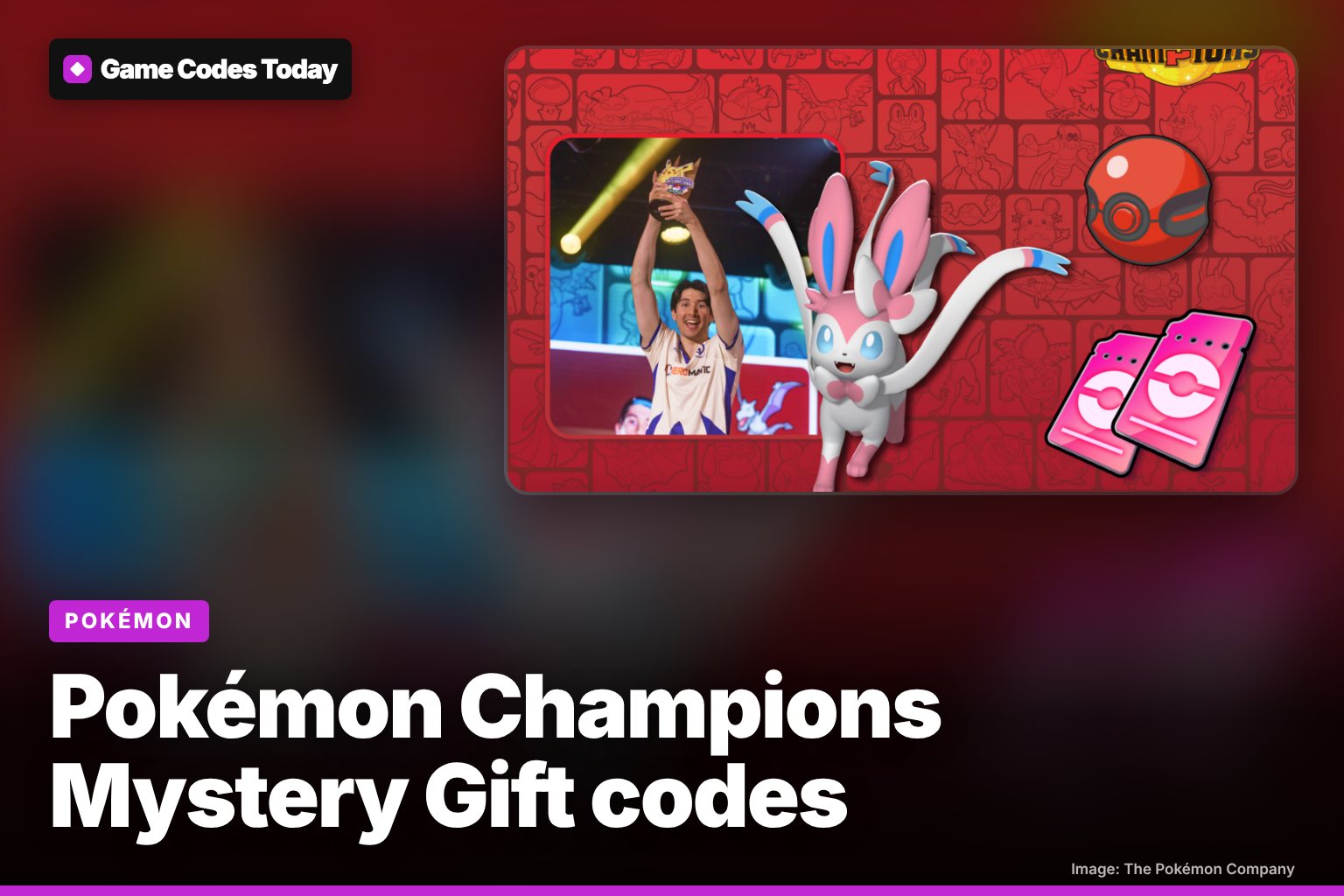
Pokémon Champions Mystery Gift codes (November 2026)
The working Pokémon Champions code is LA1CTRA1N1NG27 for 2 Training Tickets, until Nov 22. Plus how to get Pero's Sylveon on Twitch this weekend.
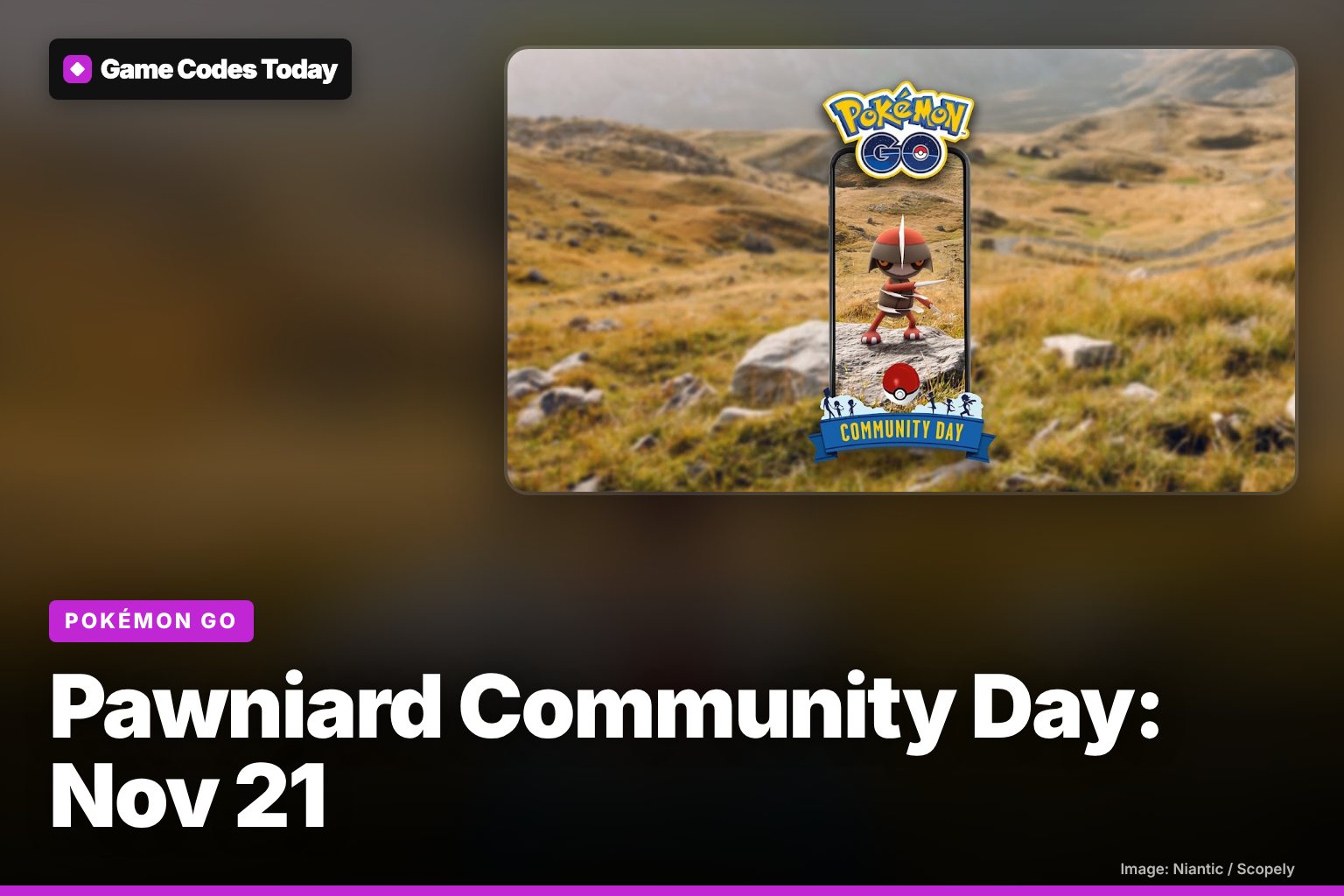
Pokémon GO Pawniard Community Day: Nov 21 times and bonuses
Pawniard Community Day is Saturday, Nov 21, 2-5 PM local time: Kingambit gets Kowtow Cleave, 2× Candy, 1/4 hatch distance and a $1.99 Special Research.
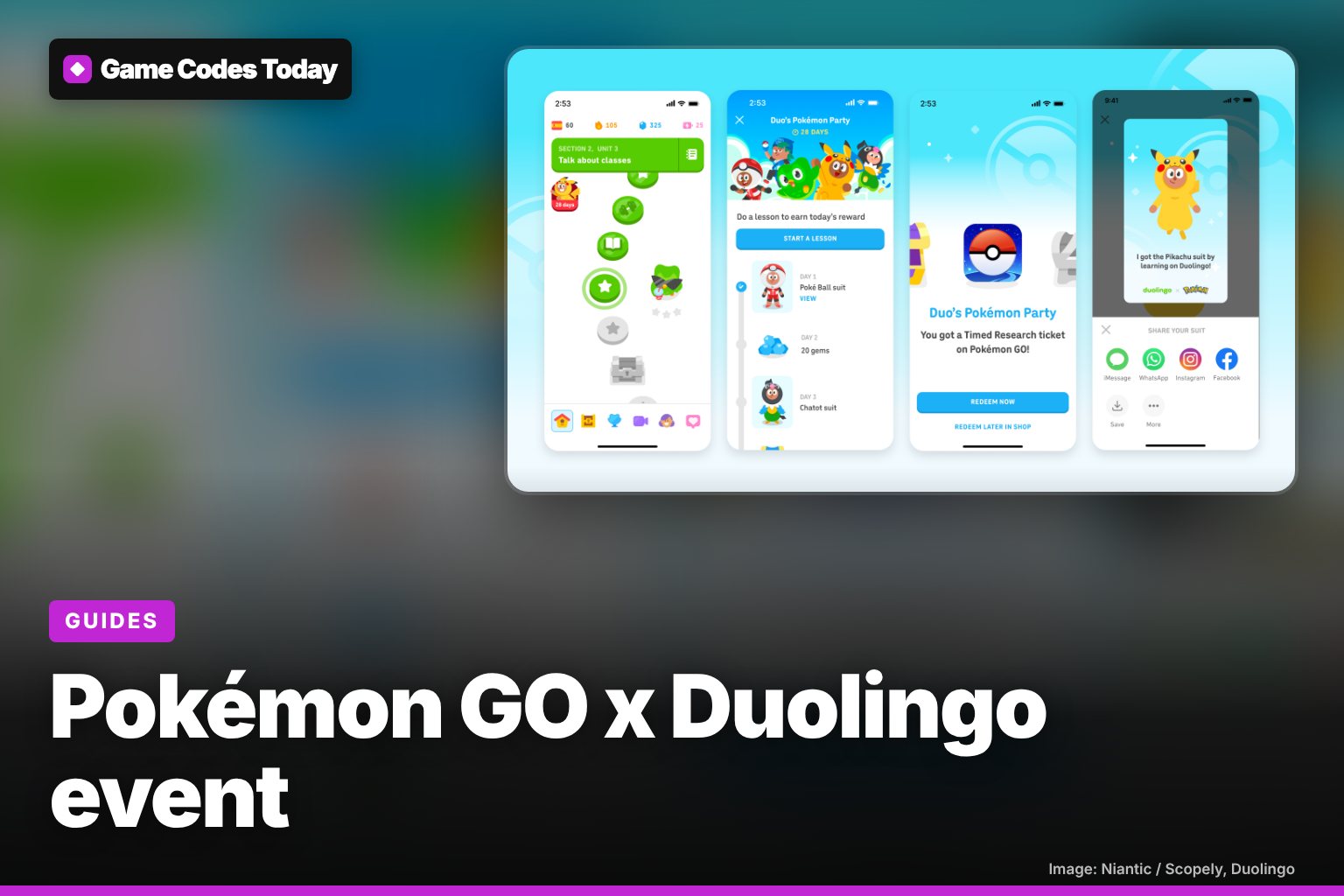
Pokémon GO x Duolingo event: how to get the Timed Research
How the Pokémon GO x Duolingo event works: do a lesson a day for 7 days to get a Timed Research code with Pikachu, Lucario and more. Join by Dec 21.